News
An RSS reader with summaries and full text, filled in the background so articles read offline. Read state is shared with a paired glasses reader.
- Home key: r
- Needs: Needs the internet
- Source: A News API Worker
- Offline: Headlines and text from the last refresh
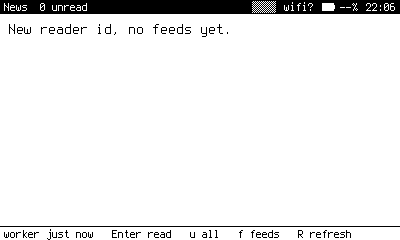
A new reader with no feeds yet. Add feeds with f.
What it does
News lists headlines from your feeds, newest first. Open one for a summary, press Enter again for the full text. After every refresh it quietly fetches the text behind up to thirty unread headlines, so what you synced at home still reads on the train.
Keys
| Where | Key | Does |
|---|---|---|
| Headlines | Enter | Open the summary. |
| Headlines | R | Refresh from the API. |
| Headlines | u | Toggle between unread and all. |
| Headlines | f | Feeds: choose which to show. |
| Article | Enter | Switch between summary and full text. |
| Article | Left Right | Previous and next article. |
| Article | o | Save the link to a reading list note for a bigger screen later. |
How it works
News is a client of a small Cloudflare Worker that fetches and stores feeds. The device has a random reader id, and the Worker keeps read state against it. If a glasses reader uses the same id, an article read on one shows as read on the other, and headlines saved on the glasses rise to the top of News with a bar at the edge.
By default News uses the project's hosted API. To run your own, set news_url. See privacy for what the hosted API keeps.
The Home badge counts unread headlines from the cache.